
SMK Fighter
3D fighting game. Keyboard or gamepad on desktop, touch controls on phones. Browser preview build (about 74 MB download, 77 MB on phones).
About the game
Three fighters. Three arenas. Real frame data.
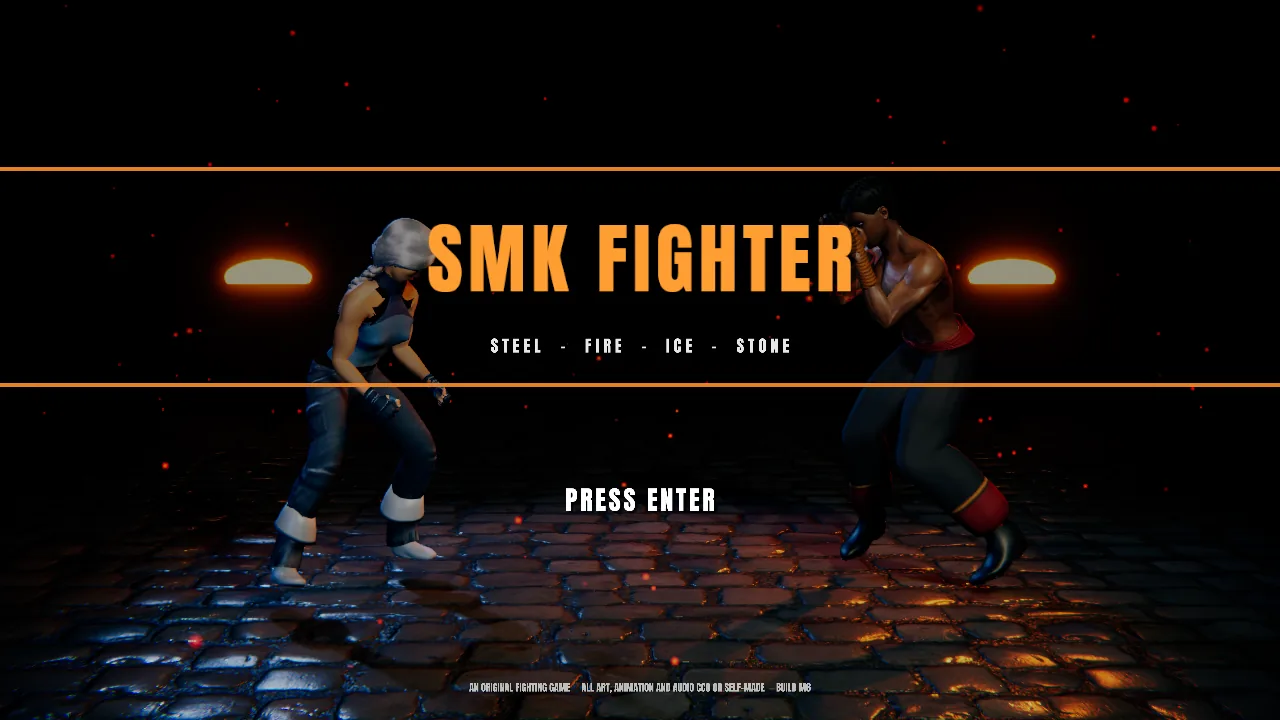
SMK Fighter is the SMK Esports 3D fighting game, built in Unity. This is the browser preview: the same 60 Hz deterministic fight engine as the desktop build, rendered for the web.
Pick Daxon Vey "Emberfist", Rhea Kalt "Frostveil" or Oren Hask "Bedrock" and fight in the Ashen Kiln, the Frost Vault or Hask Quarry. Every normal has authored startup, active and recovery frames, chains and cancels, a 5-frame input buffer, throws and throw escapes, a meter-burning Rush and a Combo Breaker.
Play the CPU at your level, go head-to-head with a friend on one keyboard or two gamepads, or open Practice to see frame data and hitboxes and set up the dummy.
Online play is coming soon to the browser version. The desktop build already has it.
Guide
Controls
| Action | Player 1 | Player 2 | Gamepad | Phone (touch) |
|---|---|---|---|---|
| Walk / crouch / jump | AD / S / W | Arrow keys | D-pad / left stick | Pad (bottom left) |
| Block | Hold back | Hold back | Hold back | BLOCK (or hold back on the pad) |
| Punch | J | Num1 or , | X / □ | PUNCH (also OK in menus) |
| Kick | K | Num2 or . | A / ✕ | KICK (also BACK in menus) |
| Heavy | L | Num3 or / | Y / △ | HEAVY |
| Throw (and throw escape) | J+K | 1 + 2 | B / ○, RB, RT | THROW |
| Rush / EX (Combo Breaker in a combo) | K+L | 2 + 3 | LB, LT | RUSH |
| Pause and move list | Esc | Esc | Start / Options | PAUSE (bottom centre) |
| Hitboxes (Practice: dummy / reset) | F1 (F2 / F3) | Select (L3 / R3) | DUMMY / RESET buttons in Practice |
Gamepad buttons can be remapped in Options → Controls. Two gamepads: the first pad is Player 1, the second is Player 2. If a pad isn't picked up, press a button on it after the game has loaded.
On a phone, open the game, turn the phone sideways and tap to start. The pad and buttons only show on touch screens and change with the screen: OK / BACK in menus, the fight buttons in a match, and big RESUME, REMATCH and CHARACTER SELECT buttons on the pause and results screens. Local 2-player on one phone isn't supported; a Bluetooth controller works too.
Gallery
Screenshots
Captured from the browser build.
Is SMK Fighter free?
Yes. The browser preview is free, with no ads and nothing to buy.
Why is the first load slow?
The game is a full 3D Unity build, about 74 MB. Your browser keeps it cached, so the next visit starts much faster.
Can I play online?
Not in the browser yet. Online play is coming soon to the web version. For now the browser build has Versus CPU, local 2-player and Practice.
Does it work on my phone?
Yes. On iPhone (Safari, iOS 16.4 or newer) and Android (Chrome) the game shows on-screen controls: a pad to move and PUNCH, KICK, HEAVY, BLOCK, THROW, RUSH and PAUSE buttons. It plays in landscape, goes fullscreen where the browser allows it, and loads a phone build (about 77 MB) with phone-native textures that use far less memory and lower graphics settings. It is still a full 3D game, so a recent phone works best and older phones may run slowly or run out of memory. On iPhone, add the page to your Home Screen for a true fullscreen view.
Why does it look different from the desktop build?
The desktop build uses Unity's HDRP renderer, which browsers can't run. HDRP gives the characters real skin scattering, sky lighting and higher-resolution textures. The web build uses URP, so we added a skin-lighting shader, brighter fill light from the sky and sharper face and hair textures to get closer. The current fighters are also placeholder models; higher-quality characters are planned.